CustomX
🎒 CustomX – Create Custom Items & Blocks Without Coding
𝗦𝗼𝗳𝘁𝘄𝗮𝗿𝗲: PocketMine-MP
𝗡𝗮𝗺𝗲: CustomX
𝗔𝘂𝘁𝗵𝗼𝗿: MadoxMc
𝗔𝗣𝗜: 5.0.0
𝗗𝗲𝘀𝗰𝗿𝗶𝗽𝘁𝗶𝗼𝗻: CustomItems & CustomBlocks Maker are plugins to easily add Custom Items/Blocks:
Items, Weapons, Tools, Food, Armors, Blocks directly from plugin config.
You don't need to make mcpack.
All custom items and blocks are defined in config.yml.
The plugin loads everything automatically at server start (automatically compiles resource pack folder).
1️⃣ Add the item/block in config.yml
2️⃣ Add the texture in the resource pack folder (not the .mcpack)
3️⃣ Register it in item_texture.json (for items) or terrain_texture.json (for blocks)
4️⃣ Update version in manifest.json (to download the new textures on joining server)
5️⃣ Restart the server ✔️
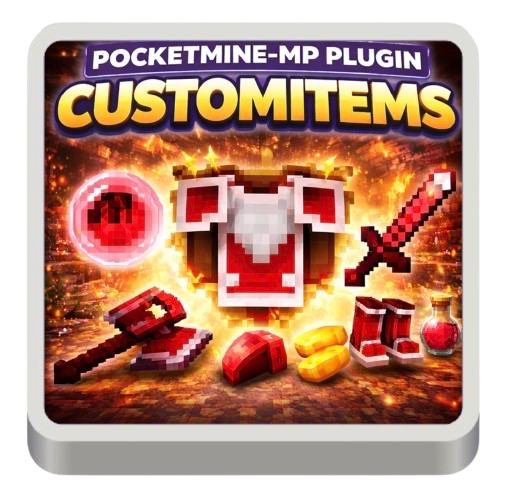
Bonus: Include in CustomItemsMaker plugin: Ruby set: Ruby, Ruby_Scrap, Ruby Armors (Helmet, Chestplate, Leggings, Boots), Ruby Weapons an Tools (Sword, Pickaxe, Shovel, Axe, Hoe), Magic Bread, already configured on config.
Include in CustomBlocksMaker plugin: Ruby Block already configured on config.
𝗗𝗲𝗽𝗲𝗻𝗱𝘀: Customies
📦 Easily add items, armors, tools, weapons, food, and blocks to your PocketMine-MP server — directly from a simple config file.
✨ The Easiest Way to Customize Your Server
CustomX is designed for one goal:
👉 Let anyone create custom content — even without any coding skills
No complicated setup.
No mcpack creation.
No technical knowledge required.
You just edit a config file… and your content is live in-game.
🔥 What You Can Create
With CustomX, you can add:
- 🗡️ Weapons (swords, custom guns support, etc.)
- ⛏️ Tools (pickaxe, axe, shovel…)
- 🍞 Food (with custom effects)
- 🛡️ Armors (helmet, chestplate, leggings, boots)
- 📦 Items (fully custom)
- 🧱 Blocks (with textures & behavior)
👉 Everything is fully configurable from the config.yml
⚙️ How It Works (Super Simple)
Create your custom content in just a few steps:
- 1️⃣ Add your item or block in config.yml
- 2️⃣ Add your texture to the resource pack folder
- 3️⃣ Register it in:
- item_texture.json (items)
- terrain_texture.json (blocks)
- 4️⃣ Update the version in manifest.json
- 5️⃣ Restart your server ✔️
💡 That’s it. No compilation, no complex tools.
🚀 Automatic Resource Pack System
CustomX handles the heavy work for you:
- Automatically compiles the resource pack folder
- Loads all items & blocks on server start
- Seamless integration with your server
👉 You focus on creativity, not technical setup
💎 Bonus Content Included
Start instantly with ready-to-use content:
Ruby Set (Preconfigured)
- Ruby
- Ruby Scrap
- Ruby Block
- Full Ruby Armor:
- Helmet
- Chestplate
- Leggings
- Boots
- Ruby Tools & Weapons:
- Sword
- Pickaxe
- Axe
- Shovel
- Hoe
🍞 Magic Bread
- Example custom food item
🧱 Ruby Block
- Preconfigured custom block
👉 Perfect to understand how everything works in seconds
🎯 Why Choose CustomX?
✔️ Beginner-friendly (no coding required)
✔️ Massive time saver
✔️ No mcpack creation needed
✔️ Fully configurable system
✔️ Ideal for both small and large servers
🛠️ Requirements
- Customies must be installed
⚖️ License Notice
By purchasing this plugin, you waive your right of withdrawal and accept our End User License Agreement (EULA), No-Refund, and the plugin’s included license.