Portals
Custom Portals System for PocketMine-MP 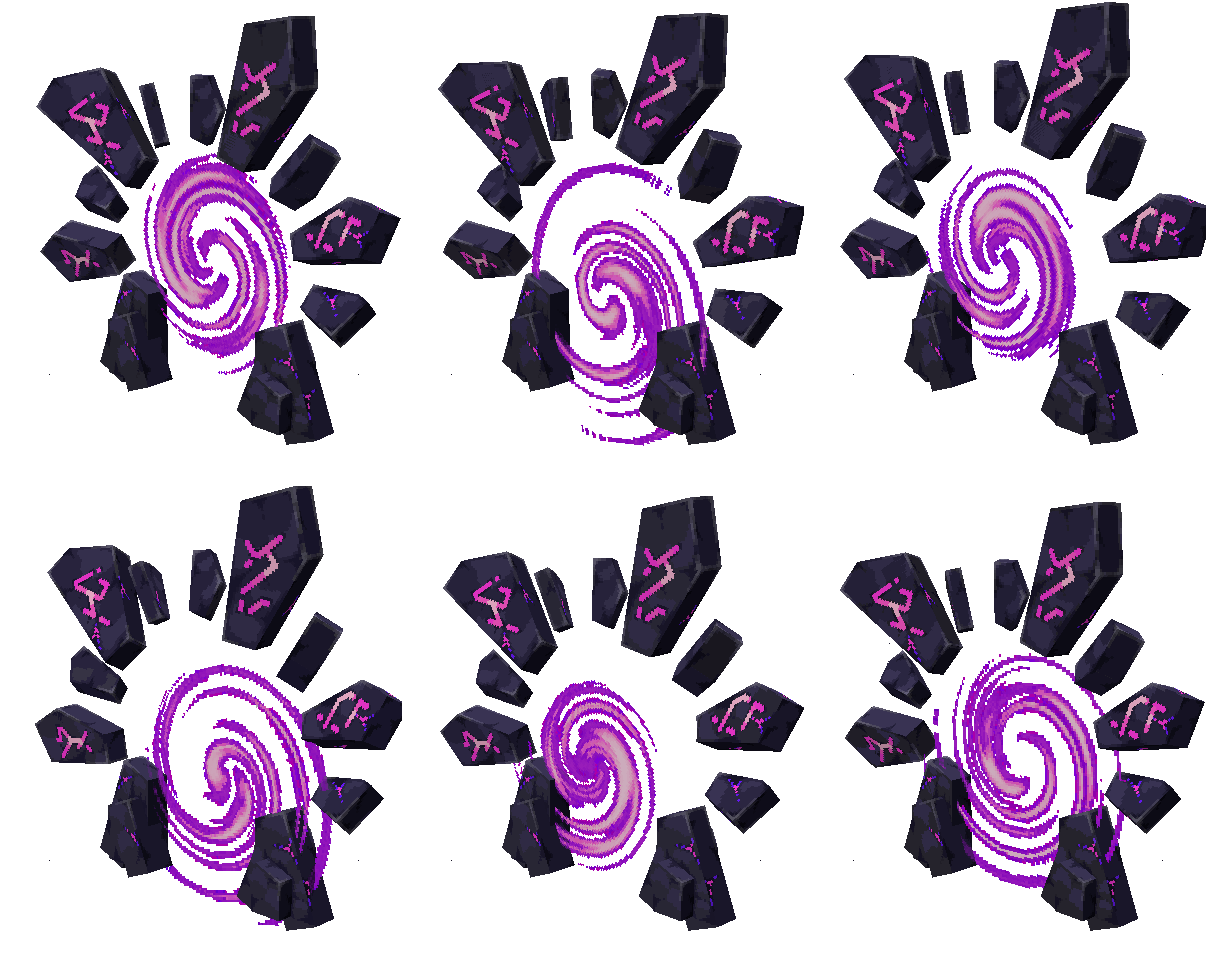
By purchasing this plugin, you waive your right of withdrawal and accept our End User License Agreement (EULA), No-Refund, and the plugin’s included license.
V2
V1
𝗦𝗼𝗳𝘁𝘄𝗮𝗿𝗲: PocketMine-MP
𝗡𝗮𝗺𝗲: AncientPortals
𝗔𝘂𝘁𝗵𝗼𝗿: MadoxMc
𝗔𝗣𝗜: 5.0.0
𝗗𝗲𝘀𝗰𝗿𝗶𝗽𝘁𝗶𝗼𝗻: Add Custom Portals to your pocketmine server.
𝗗𝗲𝗽𝗲𝗻𝗱𝘀: FormAPI (for menu)
Give your server a professional, immersive travel system with AncientPortals. Players walk through real, animated 3D portal entities — no pressure plates, no invisible zones, no immersion-breaking blocks.
🌀 Seven Unique Portal Types
Seven portals,. Each has its own 3D model and visual identity:
🌑 Void · 🌋 Magma · 🪨 Stone · 🌿 Mossy · 🏜️ Desert · 🏺 Terracotta · 🔥 Hell
🗝️ Place Portals Instantly — No Commands Needed
Each portal type comes with a Portal Item. Right-click to place the portal directly in front of you, facing the direction you’re looking.
No commands. No position selection. No steps to follow. Place it, click it, done.
allow-portal-placement controls whether non-op players can place portals too (optional).
🖱️ Everything in One Click
Click any portal to open its management menu — no commands, no chat typing:
• 🔀 Set One-Way Destination — Break any block in the world to set where this portal sends players. The block you break becomes the destination. Simple.
• 🔗 Link to Another Portal — Click portal A, then portal B. They’re now linked. Players teleport both ways automatically, even across worlds.
• 📦 Pick Up — Take the portal back as an item. Linked portals are automatically unlinked. Zero cleanup. The item saves all portal data — destination, name, link — and restores it when placed back down. Item lore displays the linked portal’s world, coordinates and name.
• 🏷️ Portal Name — Type a name and toggle the floating text on or off, directly from the menu.
• 🔐 Set Permission (Admin) — Restrict who can use this portal to players with a specific permission. Leave empty for open access.
• 🔓 Always Open (Admin / configurable for allow players to use or not / Also configurable for as default behavior) — Skip the activation animation entirely. The portal stays open permanently.
Portal Activation System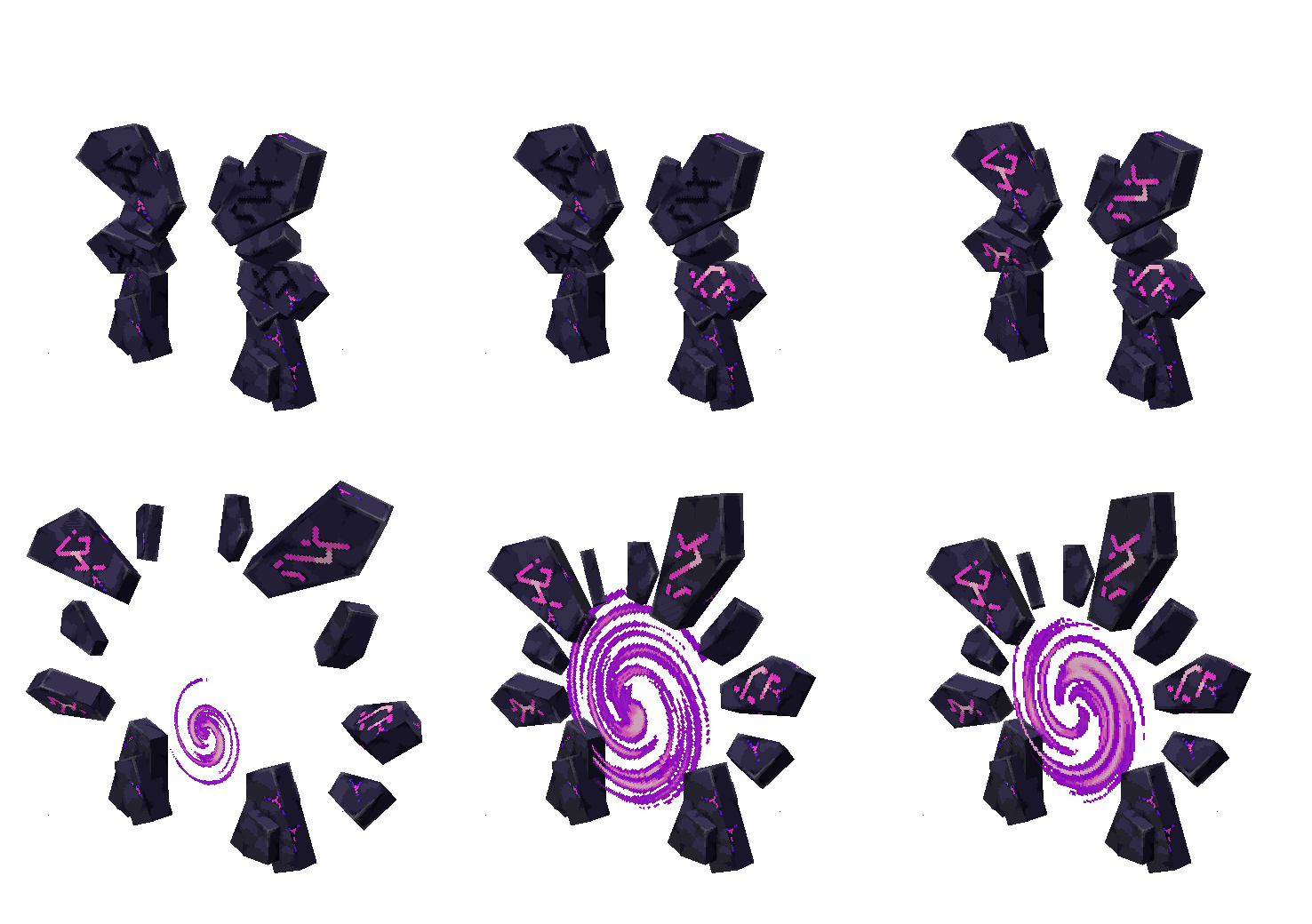
Portals animate when players approach, playing an opening sequence before teleporting. This creates atmosphere and makes travel feel alive.
Both linked portals open and close together — neither closes while a player is near either one of them. The moment the portal is open, teleportation is immediate — no delay, no cooldown.
Don’t want the sequence? Toggle Always Open on any portal, or enable it globally in config.
👥 Let Your Players Create Portals
v2 makes it now possible to give portal creation to non-op players — without giving them operator access. With the right config settings, regular players can:
• Place portals using Portal Items
• Set destinations by breaking a block
• Link two portals together
• Pick up and reuse their portals
• Name their portals with floating text
If WorldGuard is installed, players are automatically blocked from placing portals or setting destinations inside protected regions. Admins bypass this.
Link Any Portal to Any Portal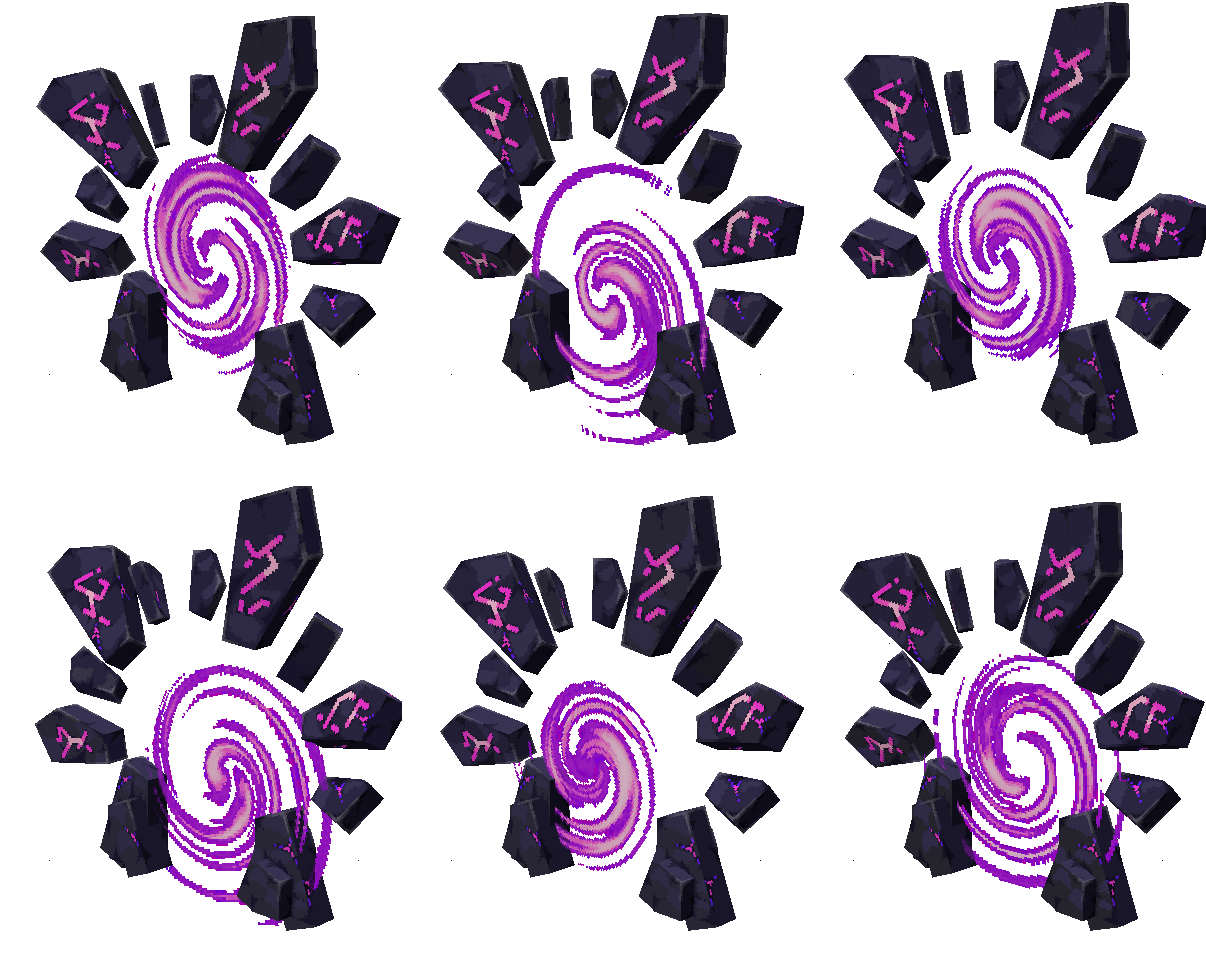
By default, portals can link across types — a Void portal can connect to a Hell portal, a Stone to a Desert. Total freedom.
Prefer a stricter server? Set link-to-same-type: true and portals can only link to matching types.
🔐 Permission-Based Access
Each portal can require a specific permission to teleport. Set it directly from the in-game menu — no config file editing needed.
Combined with LuckPerms or PurePerms, create:
• 💎 VIP-exclusive warps
• 🎖️ Donor fast travel
• 🛡️ Staff-only zones
👑 Admin Controls
Staff with portal.admin get full access, everywhere:
• 🏗️ Place portals inside WorldGuard protected regions
• 🖱️ Manage any portal, even in protected zones
• 📍 Set destinations inside protected areas
• ➕ Assign permissions and configure portals from the menu
🛡️ WorldGuard Integration (Optional — works without it)
Install WorldGuard and protection kicks in automatically — no setup required:
• 🚫 Players can’t place portals inside protected regions
• 🚫 Portal menus are blocked inside protected zones
• 🚫 Destinations inside protected regions are refused
Remove it from your server? The plugin keeps working as if it was never there.
Configuration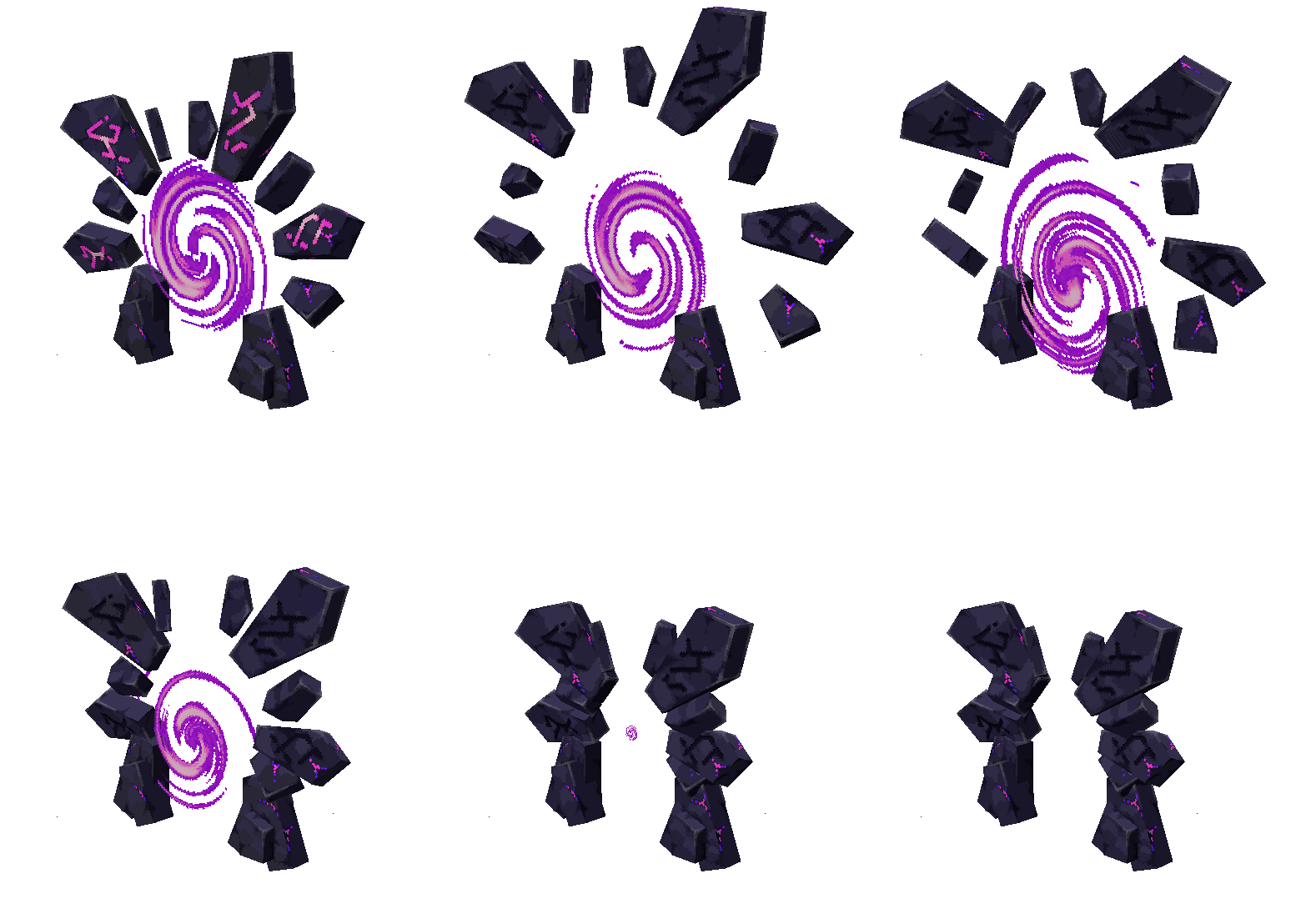
allow-portal-placement: true or false (Let non-op players place portals)
link-to-same-type: true or false (Only allow linking same-type portals)
portal-animation-always-open: true or false (All portals open instantly at placement, no close animation)
players-can-toggle-always-open: true or false (Let players toggle Always Open)
one-way-destination-protected-region: true or false (Block destinations inside WG regions)
portal-activation-radius: (Distance at which portals start opening, if Always open not Enabled)
portal-teleport-sound: (Optional define sound when player teleport with Portals)